
Target-size engine
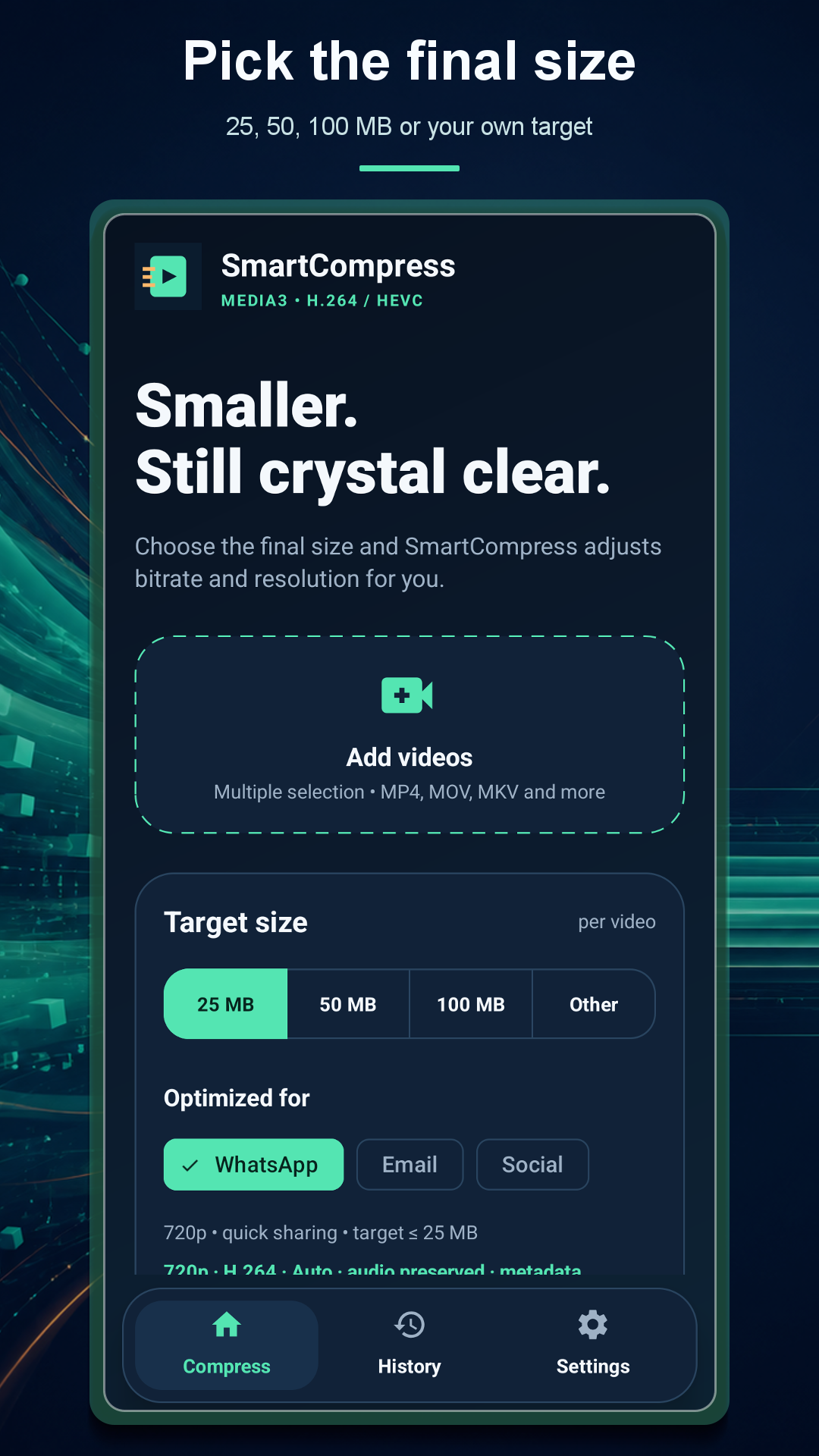
Aim for 25, 50, 100 MB or enter a custom limit for each video.
On-device video compression
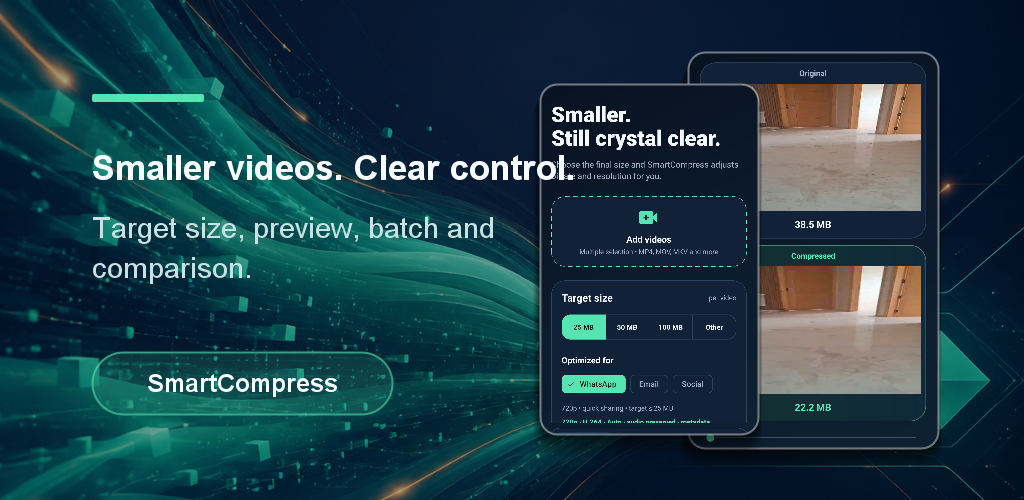
Choose 25, 50, 100 MB or a custom target. SmartCompress estimates the result, compresses several videos in the background and lets you compare both versions in sync.
Useful control, not guesswork
SmartCompress turns size, quality and sharing constraints into a clear workflow before any long export starts.
Aim for 25, 50, 100 MB or enter a custom limit for each video.
Review the expected output size and savings before starting the export.
Generate a short real sample to judge quality before processing the full video.
Queue multiple videos and follow progress from the Android notification.
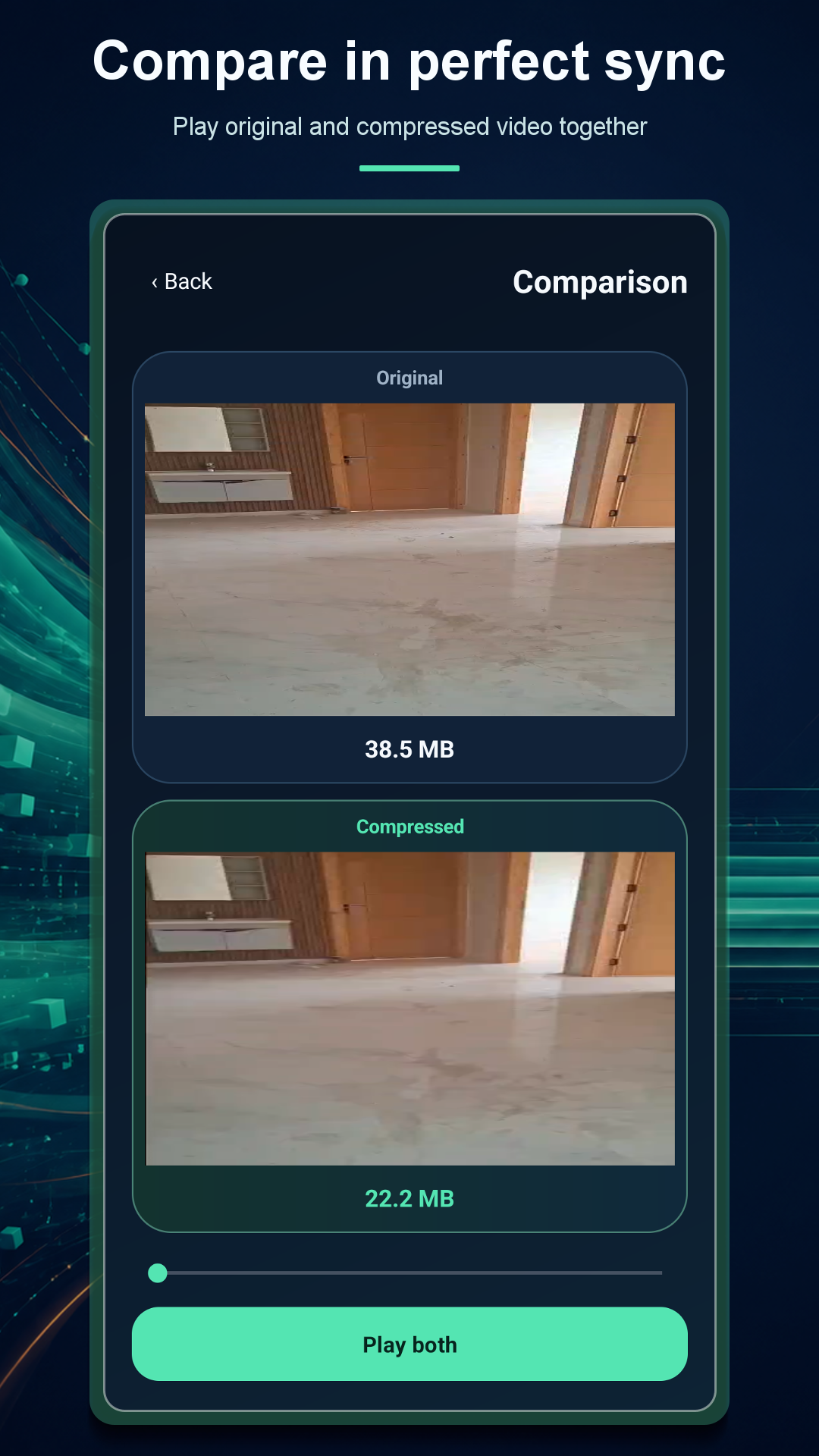
Play original and compressed versions together in portrait or landscape.
Size Guard retries oversized exports; privacy mode can remove embedded metadata.
Made for real sharing limits
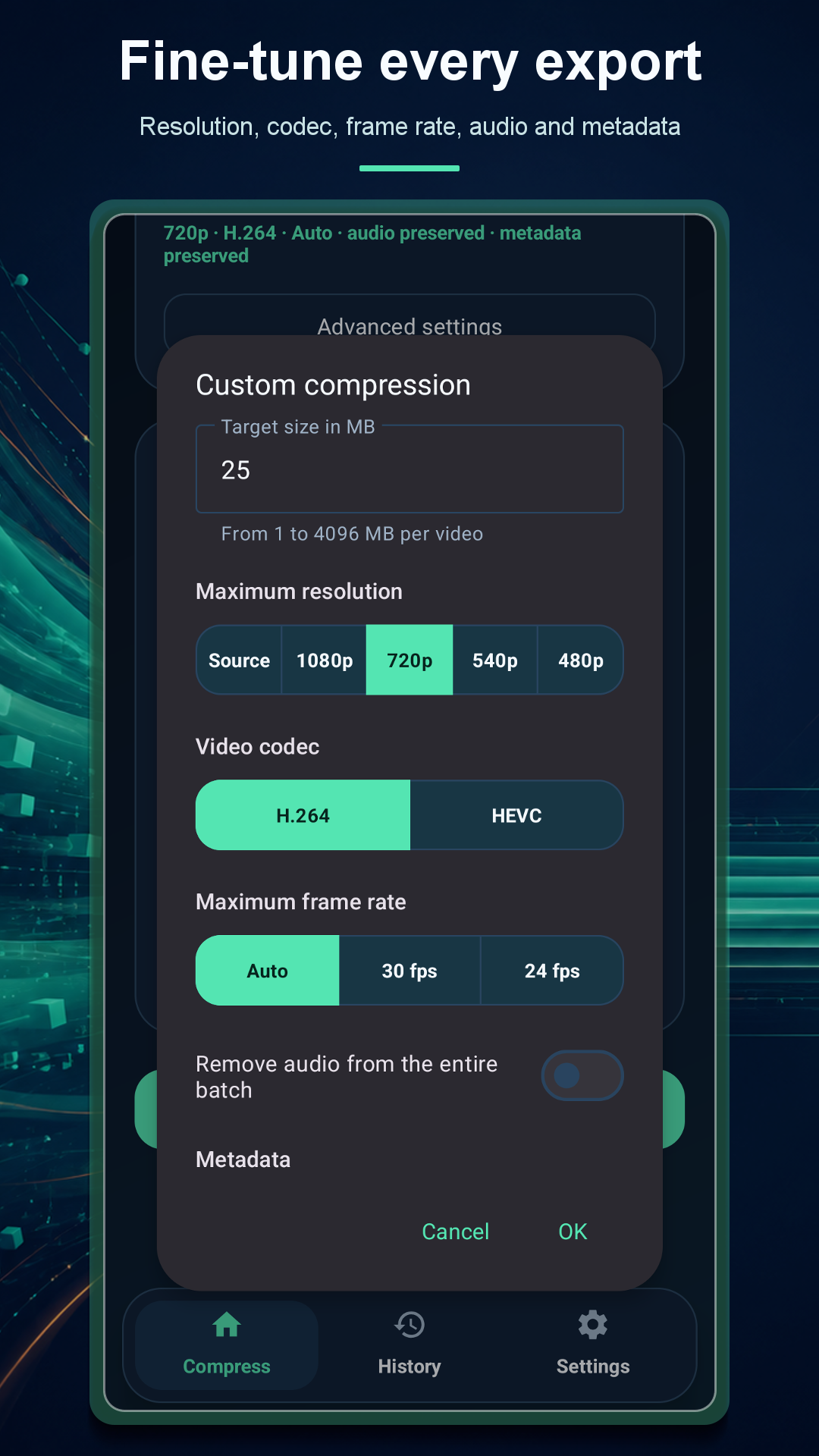
Start from a WhatsApp, email or social preset, then adjust resolution, frame rate, codec, audio, trimming and metadata when you need finer control.
A focused workflow
Select videos normally or send them to SmartCompress from Android's Share menu.
Pick one or several videos, or share them into SmartCompress from another app.
Select a target size or profile and review the estimated result.
Check a real quality sample, then let the foreground service process the queue.
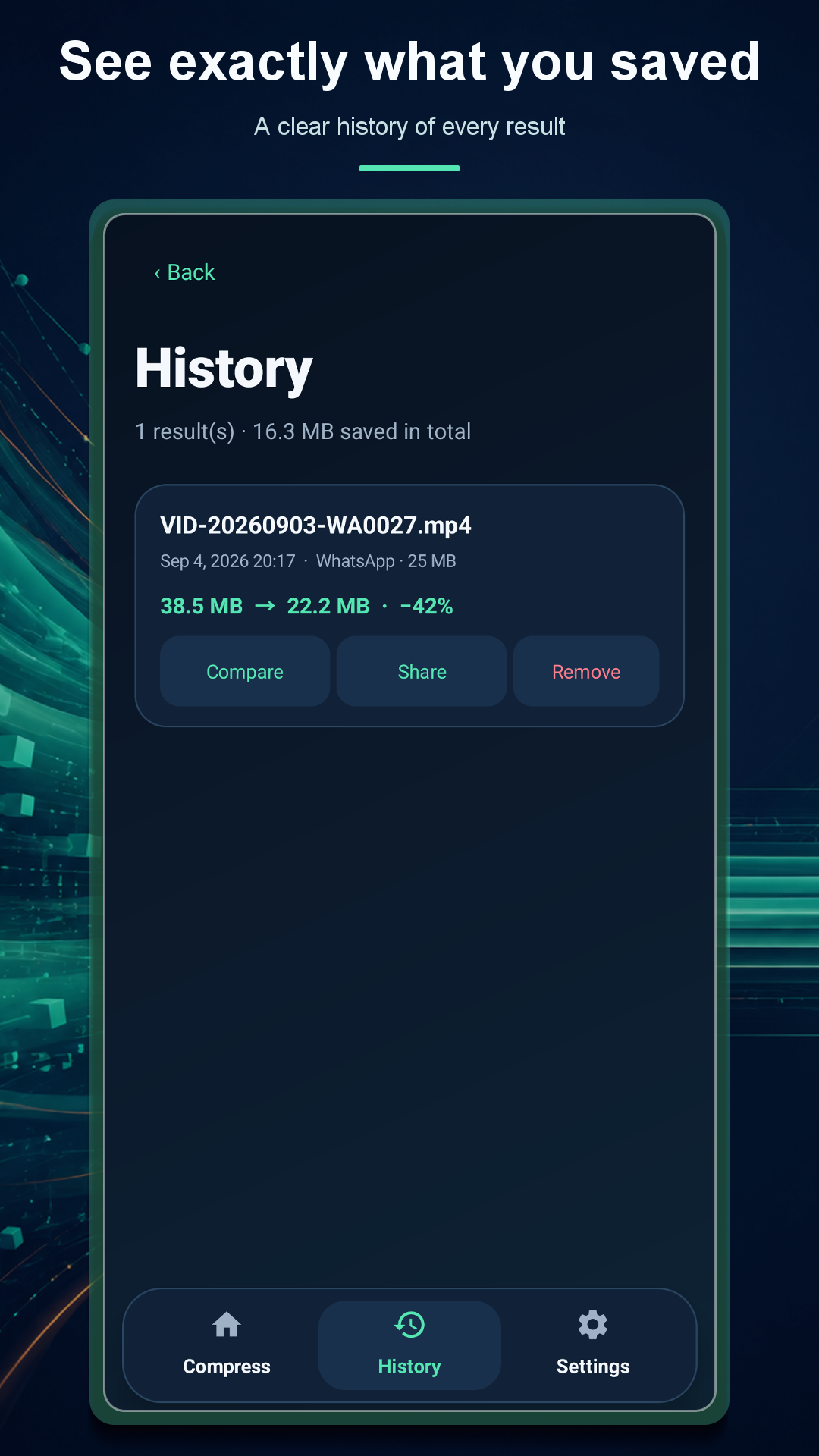
Play both versions together, inspect savings and share the final file.
Actual Android interface
Local media processing
Compression and preview generation happen on your Android device. The app has no account or developer-operated video server. Google Mobile Ads, Firebase Analytics and Crashlytics process separate advertising, usage and diagnostic data as explained in the policy.
Support
Include your Android version, phone model, source format, selected target and the exact message shown by SmartCompress. Do not attach private videos unless you intentionally want to share them with support.